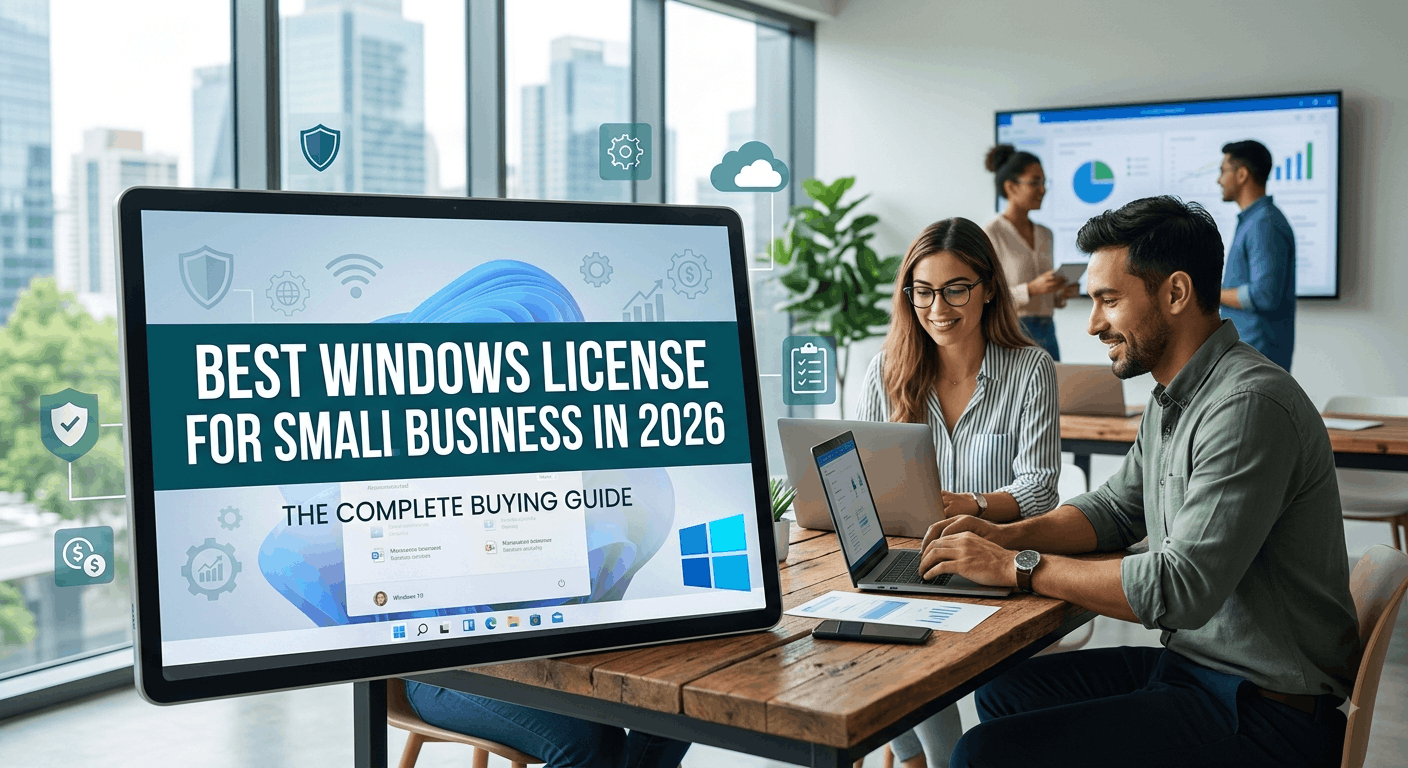
Choosing the right Windows license is one of those decisions small business owners put off until it becomes urgent — a new employee needs a laptop, an old Windows 10 machine falls out of support, or an audit reminds you that “borrowed” licenses aren’t actually legal. If you’re setting up or upgrading your business in 2026, this guide breaks down exactly which Windows license makes sense for your team size, budget, and workflow.
Why Your Windows License Choice Matters More in 2026
Windows 10 support officially ended on October 14, 2025, which means any small business still running unlicensed or outdated copies is now operating without security patches, driver updates, or Microsoft support. That alone has pushed a wave of small businesses toward Windows 11 licensing decisions this year.
At the same time, Microsoft has widened the gap between its consumer and business editions — Windows 11 Home, Windows 11 Pro, and Windows 11 Pro for Workstations all serve very different needs. Picking the wrong one means either overpaying for features you’ll never use, or under-provisioning and hitting a wall the moment your business tries to scale.
Windows 11 Editions Compared: Home vs. Pro vs. Pro for Workstations
Windows 11 Home
Windows 11 Home is built for personal use, not business. It lacks domain join, BitLocker device encryption, Remote Desktop (as a host), Group Policy management, and Hyper-V virtualization. For a small business — even a solo freelancer — Home is rarely the right call unless you’re running a single machine with no need for remote access, encryption, or centralized management.
Best for: Nobody running an actual business. Skip it.
Windows 11 Pro
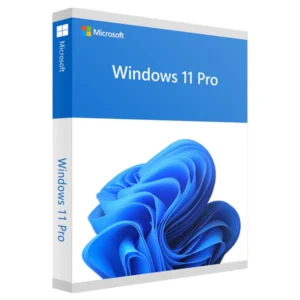
Windows 11 Pro is the sweet spot for the overwhelming majority of small businesses. It includes:
- BitLocker encryption — critical if your laptops ever leave the office
- Remote Desktop Protocol (RDP) host access — connect to your office PC from anywhere
- Group Policy Editor — manage settings across multiple machines without third-party tools
- Azure Active Directory / Microsoft Entra ID join — centralized identity management as you grow
- Hyper-V — run virtual machines for testing or legacy software
- Windows Information Protection — basic data loss prevention
For a business with 1–50 employees, Windows 11 Pro covers essentially every requirement without the added cost of enterprise-only features you won’t use.
Best for: Startups, retail shops, agencies, consultants, and small offices — basically 90% of small businesses.
Windows 11 Pro for Workstations
This edition exists for a narrower slice of businesses that need serious hardware headroom: support for up to 4 CPUs and 6TB of RAM, ReFS (Resilient File System) for large data volumes, and faster file handling via SMB Direct. If your business does video rendering, CAD, data analysis, or scientific computing on high-spec machines, this is worth the premium. Everyone else should stick with standard Pro.
Best for: Design studios, engineering firms, and data-heavy teams running workstation-class hardware.
Retail vs. OEM vs. Volume Licensing: What’s the Difference?
This is where most small business owners get confused — and where they either overpay or accidentally buy something not meant for commercial use.
Retail (Full Packaged Product) License A retail license is transferable between machines, tied to a Microsoft account rather than hardware. It costs more upfront but gives you flexibility — if you replace a computer, the license moves with you. This is the most common choice for small businesses buying individual keys.
OEM License OEM licenses come bundled with new hardware and are locked to that specific machine for life — you can’t transfer them if the PC dies or gets replaced. They’re cheaper, which makes them attractive for businesses buying several new machines at once, but budget for a fresh license every time you refresh hardware.
Volume Licensing (Microsoft 365 Business / CSP channel) Once you cross roughly 5–10 devices, volume licensing through a Cloud Solution Provider becomes worth exploring. It centralizes management, simplifies renewals, and often bundles in Microsoft 365 apps. The tradeoff is more paperwork and typically a subscription model rather than a one-time purchase.
For most businesses under 10 employees, a handful of individual retail or OEM Pro keys is simpler and cheaper than setting up a volume agreement.
Windows 11 Pro vs. Microsoft 365 Business: Do You Need Both?
These solve different problems and aren’t interchangeable. Windows 11 Pro is the operating system license for each device. Microsoft 365 Business (Basic, Standard, or Premium) is a subscription covering Office apps, email hosting, Teams, and cloud storage. Most small businesses need both: Windows 11 Pro on every machine, plus a Microsoft 365 Business plan for productivity and collaboration tools. If your team already has Microsoft 365 apps some other way (or uses Google Workspace instead), you only need the OS license.
How Many Licenses Do You Actually Need?
A simple way to plan it out:
- 1 license per physical device running Windows — desktops, laptops, and dedicated point-of-sale machines all count.
- Server licenses are separate — if you’re running Windows Server for file sharing, a domain controller, or hosting internal apps, that requires its own Windows Server license (Standard or Datacenter, depending on your virtualization needs) plus Client Access Licenses (CALs) for each user or device connecting to it.
- Remote/VM instances still need licensing — a virtual machine running Windows counts as a separate installation requiring its own license, even if it lives on hardware you’ve already licensed.
Common Licensing Mistakes Small Businesses Make
- Using Windows 11 Home on business machines. It technically works until you need domain join or BitLocker, and then you’re stuck reinstalling and migrating data to upgrade.
- Buying OEM keys for machines you plan to replace often. If you refresh hardware every 2–3 years, the non-transferable nature of OEM keys means repeat purchases add up.
- Ignoring Windows Server licensing when setting up a NAS or internal server. Desktop Windows licenses are not valid substitutes for Server products.
- Assuming a single key covers multiple installs. Each Windows license (outside of specific volume agreements) is valid for one device at a time.
- Not verifying license authenticity before purchase. Counterfeit or previously-revoked keys are a real risk when buying from unverified third-party sellers — always confirm the seller provides a genuine, activatable key with support.
Quick Recommendation by Business Type
- Solo freelancer or 1–2 person team: Windows 11 Pro (retail), Microsoft 365 Business Basic or Standard.
- Small office (3–20 employees): Windows 11 Pro across all devices, Windows Server Standard if you need an internal file/print server, Microsoft 365 Business Standard.
- Design, video, or engineering team: Windows 11 Pro for Workstations on high-spec machines, standard Pro elsewhere.
- Growing business (20+ employees, multiple locations): Volume licensing via a CSP, Windows Server Datacenter if running multiple VMs, Microsoft Entra ID for centralized identity management.
Final Thoughts
For nearly every small business in 2026, Windows 11 Pro is the license that makes sense — it has the security and management features you need without the enterprise overhead you don’t. Layer in Microsoft 365 Business for productivity tools, and add Windows Server licensing only once you actually need a dedicated server. The biggest mistake isn’t picking Pro over Home or Workstations — it’s delaying the decision until an outdated, unlicensed machine becomes a security liability.
Looking for genuine, instantly-activatable software license keys for your business — Windows 11 Pro, Windows Server, Microsoft Office, or antivirus? Browse verified license keys at Noxkeys with full activation support to get your team up and running today.