You need a reliable office suite for work. You open your browser, start researching, and quickly land on two popular options: Microsoft Office 2021 Pro Plus and LibreOffice. One costs money. The other is completely free. So the choice should be obvious, right?
Table of Contents
Not exactly. Price is only one piece of the puzzle. When your livelihood depends on creating polished documents, accurate spreadsheets, and professional presentations, you need to look deeper. Things like file compatibility, advanced features, industry acceptance, and long-term support all matter, and this is where the two suites start to differ in ways that can seriously affect your daily work.
This guide puts Office 2021 Pro Plus and LibreOffice side by side in a clear, honest comparison. Whether you are a freelancer trying to save money, a small business owner weighing your options, or an office manager choosing software for your team, you will have a clear answer by the end of this article.
The Problem: Why Choosing the Right Office Suite Matters
Picking the wrong office suite for professional work can cause real problems. Imagine sending a perfectly formatted proposal to a client, only for them to open it and see broken tables, missing fonts, and shifted images. Or picture yourself trying to collaborate with a team that uses Microsoft Office while you are on a different platform, and every shared file needs manual fixing.
These are not rare scenarios. They happen every day to people who choose their office software based on price alone without considering how it fits into their actual workflow. The right choice depends on what you do, who you work with, and what features you truly need.
What Is Office 2021 Pro Plus?
Office 2021 Pro Plus is the premium, one-time purchase version of Microsoft’s office suite. Unlike Microsoft 365, which requires a monthly or yearly subscription, Office 2021 Pro Plus is a single payment that gives you permanent access to the software.
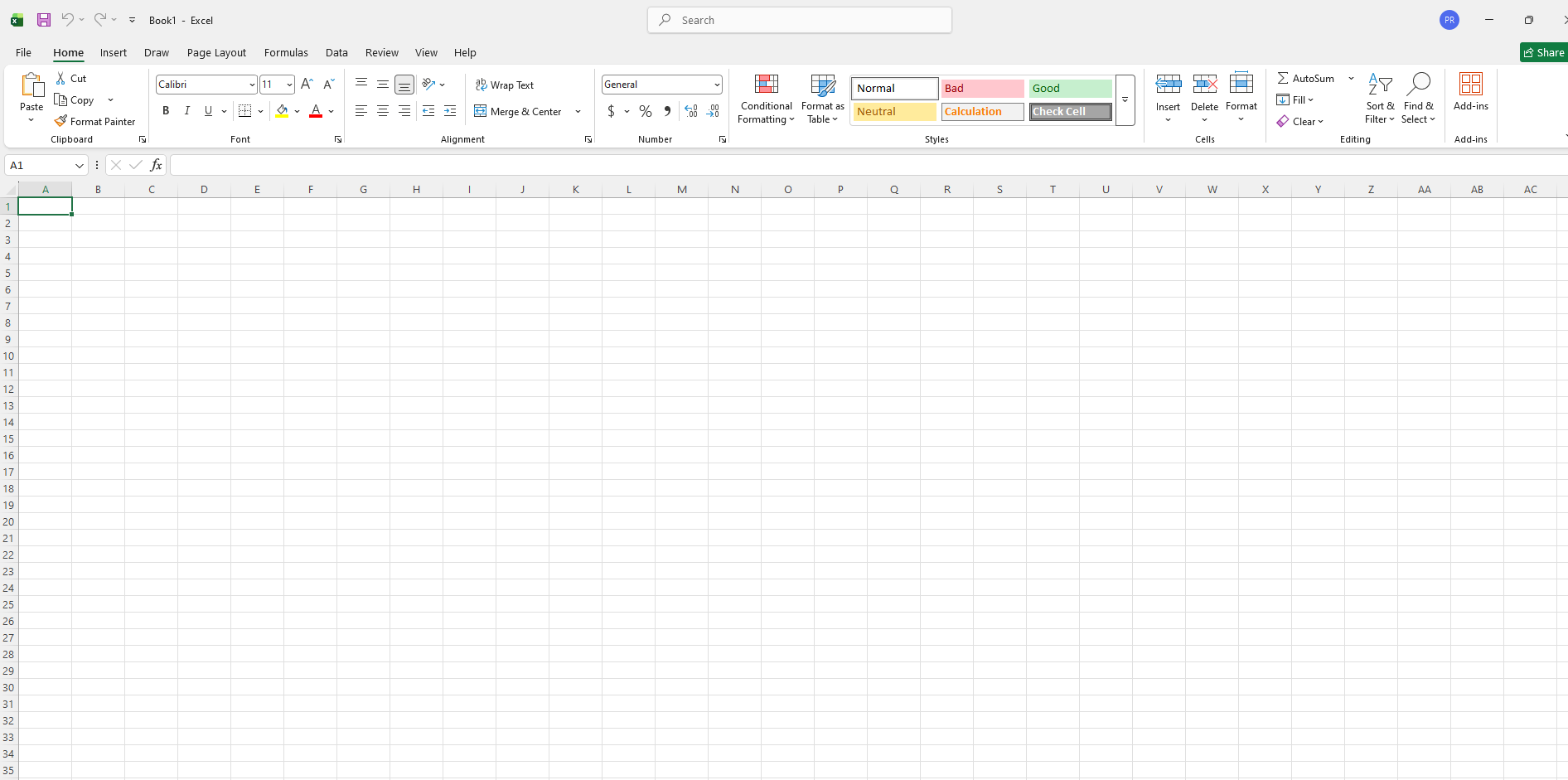
What You Get With Office 2021 Pro Plus
The suite includes all the core Microsoft applications that professionals rely on: Word for documents, Excel for spreadsheets, PowerPoint for presentations, Outlook for email and calendar management, Access for database creation, and Publisher for designing marketing materials.
Office 2021 Pro Plus also comes with features like real-time co-authoring in Word, Excel, and PowerPoint, dynamic arrays and XLOOKUP in Excel, modern commenting and visual refresh across all apps, and improved inking tools for touchscreen devices. It runs on Windows and is designed to integrate smoothly with other Microsoft services.
The key advantage is that this is a one-time purchase. You pay once, and the software is yours to use for as long as it remains compatible with your operating system. Microsoft provides security updates but does not add new features after release what you buy is what you keep.
What Is LibreOffice?
LibreOffice is a free, open-source office suite developed by The Document Foundation. It is available for Windows, macOS, and Linux, making it one of the most accessible office tools in the world.
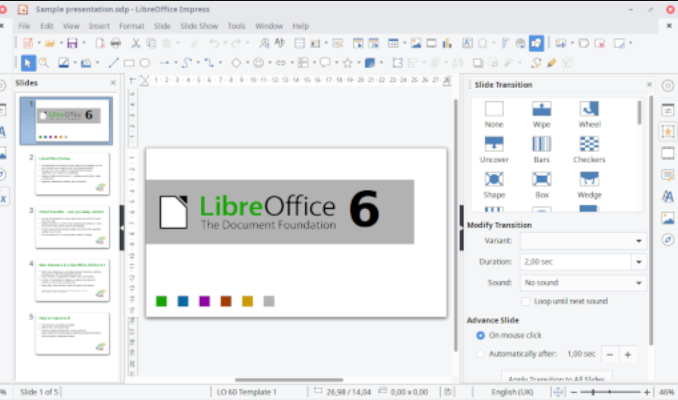
What You Get With LibreOffice
LibreOffice includes Writer for documents, Calc for spreadsheets, Impress for presentations, Draw for diagrams and vector graphics, Base for databases, and Math for creating mathematical formulas. It covers the same core ground as Office 2021 Pro Plus, and it does not cost a single rupee.
Because LibreOffice is open source, anyone can inspect, modify, and distribute the code. It is backed by a large global community of developers who regularly release updates and improvements. The suite supports the OpenDocument Format (ODF) natively and can also open and save files in Microsoft Office formats like .docx, .xlsx, and .pptx.
Feature-by-Feature Comparison
Let us break down the comparison across the features that matter most for professional use.
Word Processing: Word vs Writer
Microsoft Word in Office 2021 Pro Plus is the industry standard for document creation. Its formatting tools are extensive, its template library is massive, and its compatibility with other Microsoft users is seamless. Features like built-in grammar checking powered by Editor, advanced mail merge, and tight integration with Outlook make it a powerhouse for professional documents.
LibreOffice Writer is a capable word processor that handles most everyday tasks very well. It supports styles, templates, mail merge, table of contents generation, and track changes. However, complex Word documents especially those with advanced formatting, embedded macros, or unusual fonts sometimes display differently when opened in Writer. For internal documents or simple client-facing work, Writer does the job. For high-stakes documents that must look identical on every recipient’s screen, Word has the edge.
Spreadsheets: Excel vs Calc
Excel in Office 2021 Pro Plus is arguably the most powerful spreadsheet application available. Features like Power Query, Power Pivot, dynamic arrays, XLOOKUP, advanced charting, and VBA macro support make it essential for financial modeling, data analysis, and complex reporting.
LibreOffice Calc is a solid spreadsheet tool with good formula support, pivot tables, charting, and macro capabilities. It handles everyday spreadsheet tasks without problems. However, when it comes to advanced Excel features particularly Power Query, Power Pivot, and complex VBA macros Calc falls short. If your work depends on receiving Excel files with heavy macros from clients or colleagues, you will likely run into compatibility issues with LibreOffice.
Presentations: PowerPoint vs Impress
PowerPoint in Office 2021 Pro Plus offers polished design tools, Morph transitions, 3D model support, a huge template library, and smooth animations. It is the default expectation in corporate environments when delivering presentations.
LibreOffice Impress covers the basics well slides, transitions, animations, and embedded media. But its design tools feel less refined compared to PowerPoint, and complex PowerPoint files often lose formatting when opened in Impress. If you regularly present to clients or in corporate settings where PowerPoint is the standard, sticking with Office 2021 Pro Plus avoids awkward formatting surprises.
Email and Database: Outlook and Access vs LibreOffice Alternatives
Office 2021 Pro Plus includes Outlook, which is the dominant professional email and calendar client, and Access, a capable desktop database tool. LibreOffice does not have a direct Outlook equivalent. LibreOffice Base handles databases but lacks the polish and integration that Access offers in Microsoft-heavy environments.
Compatibility and File Format Support
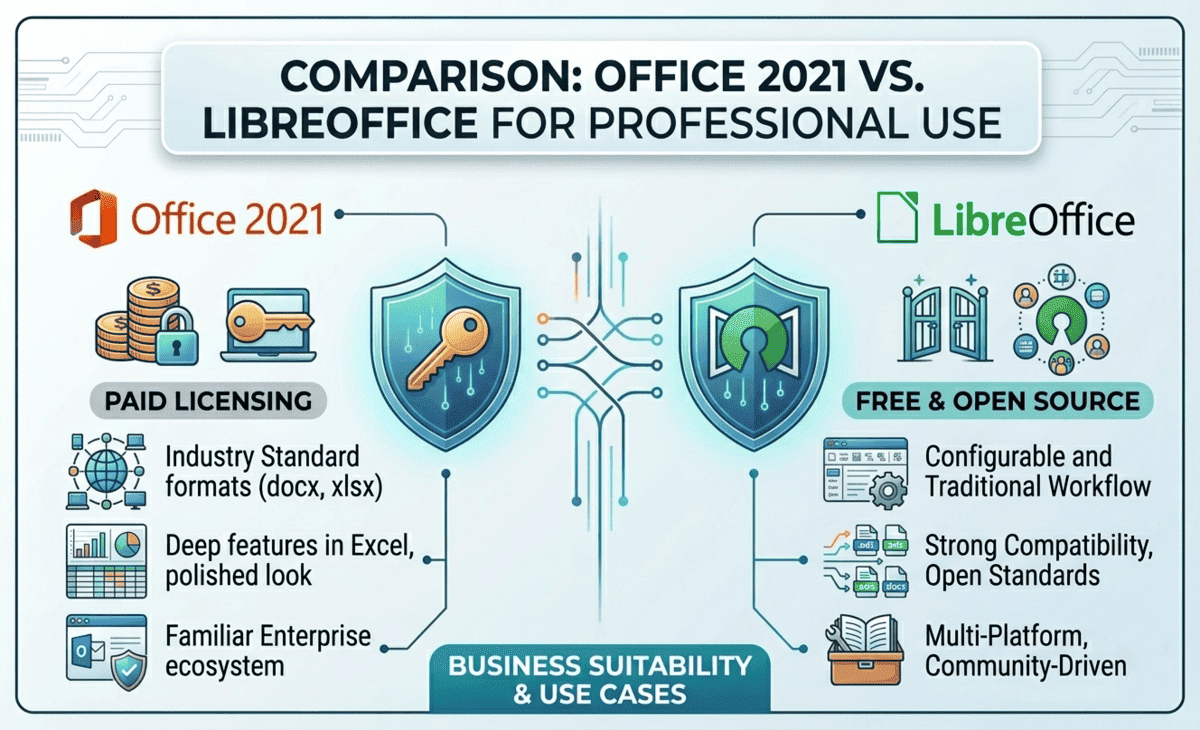
This is one of the most critical factors for professional use. In most industries, Microsoft Office formats .docx, .xlsx, .pptx are the default. Clients send them, colleagues expect them, and company templates are built around them.
Office 2021 Pro Plus handles these formats natively and flawlessly. There are never conversion issues because you are using the software that created the format.
LibreOffice can open and save in Microsoft formats, and it does a good job with simple files. But complex documents with advanced formatting, embedded objects, conditional formatting in spreadsheets, or intricate slide designs can break during conversion. The more complex the file, the higher the risk.
If your professional work revolves around exchanging files with Microsoft Office users which is the case for most businesses this compatibility gap is the single biggest practical difference between the two suites.
Pricing Comparison
The pricing difference is straightforward. Office 2021 Pro Plus is a one-time purchase. The exact cost varies by region and retailer, but it is a significant upfront investment. However, since there is no recurring subscription, the long-term cost is fixed.
LibreOffice is completely free. You download it, install it, and use it without paying anything ever. There are no hidden costs, no trial periods, and no feature locks. For individuals and organizations watching every expense, this is a compelling advantage.
The real question is whether the money you save with LibreOffice is worth the potential trade-offs in compatibility, advanced features, and professional polish. For some users, the answer is absolutely yes. For others, the cost of Office 2021 Pro Plus pays for itself in time saved and problems avoided.
How to Decide: A Step-by-Step Approach
Follow these steps to make the right choice for your situation.
Step 1 — Identify your core tasks. Write down exactly what you use an office suite for every day. Basic documents and simple spreadsheets? Or complex financial models, macro-heavy workbooks, and corporate presentations?
Step 2 — Check your collaboration environment. Do the people you work with clients, colleagues, partners use Microsoft Office? If yes, file compatibility becomes a top priority.
Step 3 — Evaluate your budget honestly. Can you afford the one-time cost of Office 2021 Pro Plus? If budget is extremely tight, LibreOffice gives you a functional suite at zero cost.
Step 4 — Test LibreOffice with your actual files. Before committing, download LibreOffice and open the types of files you work with most. Check if formatting holds up, if macros work, and if the workflow feels comfortable.
Step 5 — Make your decision based on trade-offs. If compatibility and advanced features are critical, Office 2021 Pro Plus is the safer professional choice. If your work is mostly internal, format-independent, or budget-constrained, LibreOffice is a strong and capable option.
Practical Tips for Professional Users
First, if you choose LibreOffice for professional use, always save a copy of important client-facing files in PDF format before sending this eliminates formatting concerns entirely. Second, if you use Office 2021 Pro Plus, take advantage of features like XLOOKUP and dynamic arrays in Excel they save significant time once you learn them. Third, consider a hybrid approach where you use LibreOffice for internal work and Office 2021 Pro Plus for client-facing deliverables. Fourth, regardless of which suite you pick, learn keyboard shortcuts they dramatically speed up your work in both platforms. Fifth, keep your software updated to get the latest security patches and bug fixes.
FAQ
Is LibreOffice good enough for professional work?
Yes, LibreOffice is good enough for many professional tasks, especially basic document creation, simple spreadsheets, and internal reports. However, if your work requires heavy macro support, advanced Excel features, or pixel-perfect compatibility with Microsoft Office files, Office 2021 Pro Plus is the more reliable choice.
Can LibreOffice open Microsoft Office files?
Yes. LibreOffice can open and edit .docx, .xlsx, and .pptx files. Simple files convert well, but complex documents with advanced formatting, macros, or embedded objects may not display or function exactly as they do in Microsoft Office.
Is Office 2021 Pro Plus a one-time purchase or a subscription?
Office 2021 Pro Plus is a one-time purchase. You pay once and own the software permanently. It does not require a monthly or yearly subscription, unlike Microsoft 365.
Can I use LibreOffice on Mac and Linux?
Yes. LibreOffice runs on Windows, macOS, and Linux. This cross-platform support is one of its biggest advantages over Office 2021 Pro Plus, which is primarily designed for Windows.
Will Office 2021 Pro Plus receive new features over time?
No. Office 2021 Pro Plus receives security updates from Microsoft, but new features are not added after the initial release. If you want continuous feature updates, Microsoft 365 is the subscription-based alternative that gets regular additions.
Final Recommendation
Both Office 2021 Pro Plus and LibreOffice are capable office suites, but they serve different needs.
If you work in a professional environment where Microsoft Office is the standard, where you exchange complex files with clients and colleagues regularly, and where polished formatting and advanced features like Power Query and VBA macros are part of your daily routine Office 2021 Pro Plus is the right investment. The one-time cost pays for itself in compatibility, reliability, and time saved on troubleshooting.
If your professional work is mostly self-contained, your documents are straightforward, your budget is tight, or you work on Linux LibreOffice is a remarkably capable free alternative that handles everyday office tasks without problems.
For many professionals, the smartest approach is to try LibreOffice first with your real work files. If everything works smoothly, you have saved yourself a significant expense. If you run into compatibility issues or miss advanced features, Office 2021 Pro Plus is there as the proven professional standard. Either way, you are making an informed decision based on your actual needs and that is always the right choice.