
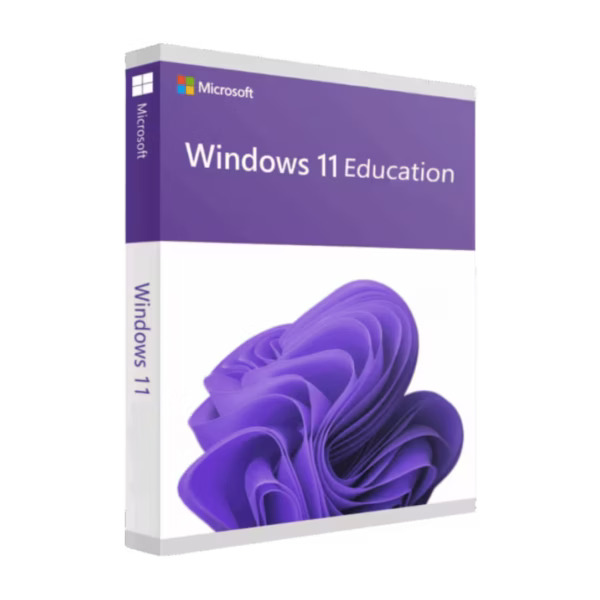

Windows 11 Education is designed to provide students, educators, and educational organizations with a secure, modern, and productive Windows experience. It combines the familiar Windows environment with powerful learning, collaboration, accessibility, security, and device-management capabilities.
With a clean interface, improved productivity tools, strong built-in security, and features designed for education environments, Windows 11 Education helps users learn, create, collaborate, and stay focused.
Important: Please verify your PC meets the Windows 11 minimum hardware requirements before purchasing or installing.
Why Choose Windows 11 Education?
Windows 11 Education provides a modern computing environment built around learning, productivity, accessibility, and security. Microsoft specifically positions the edition for educational environments, with tools that help students and educators work securely both online and offline.
Key Features
- Modern Windows 11 Interface – Enjoy a redesigned desktop, Start menu, taskbar, windows, and navigation experience.
- Built for Education – Designed to support students, educators, schools, and educational environments.
- Enhanced Security – Benefit from Windows security technologies designed to help protect devices and data from modern threats.
- Productivity Tools – Multitasking and organization features help users work efficiently across multiple applications.
- Snap Layouts & Multitasking – Organize multiple applications and windows for easier study and productivity.
- Virtual Desktops – Create separate desktops for schoolwork, projects, personal tasks, and other activities.
- Focus Features – Tools such as Focus Sessions can help users stay organized and reduce distractions.
- Accessibility Features – Windows 11 includes accessibility features designed to make computing more inclusive.
- Learning & Collaboration – Designed to work seamlessly with Microsoft’s education ecosystem and productivity applications.
- AI-Enhanced Experiences – Windows 11 includes AI capabilities that can help improve productivity and creativity on supported devices.
- Device Management – Educational organizations can use Microsoft management technologies such as Intune and Windows Autopilot to deploy and manage compatible devices.
- Secure Device Deployment – Windows Autopilot can simplify device setup and provisioning for educational organizations.
- Regular Updates – Receive Windows updates containing security improvements, fixes, and new features.
- Modern Application Support – Run a wide range of compatible Windows applications for education, productivity, creativity, and everyday computing.
Microsoft highlights Windows 11 Education’s focus on inclusive learning, security, productivity, student success, and easier IT management.
Before You Install
We recommend checking your device compatibility with Microsoft’s PC Health Check tool before upgrading or installing Windows 11.
Some Windows 11 features may require additional hardware or specific configurations beyond the minimum requirements.
Why Buy Windows 11 Education from Noxkeys?
Purchasing from Noxkeys guarantees a smooth and reliable experience. Here’s what you’ll get:
- Genuine Product Keys: Verified keys ready for activation.
- Instant Delivery: Receive your license key immediately after purchase.
- Lifetime Access: One-time purchase with no recurring fees or subscriptions.
- Dedicated Support: Our team can assist with installation and activation queries.



Reviews
There are no reviews yet.