
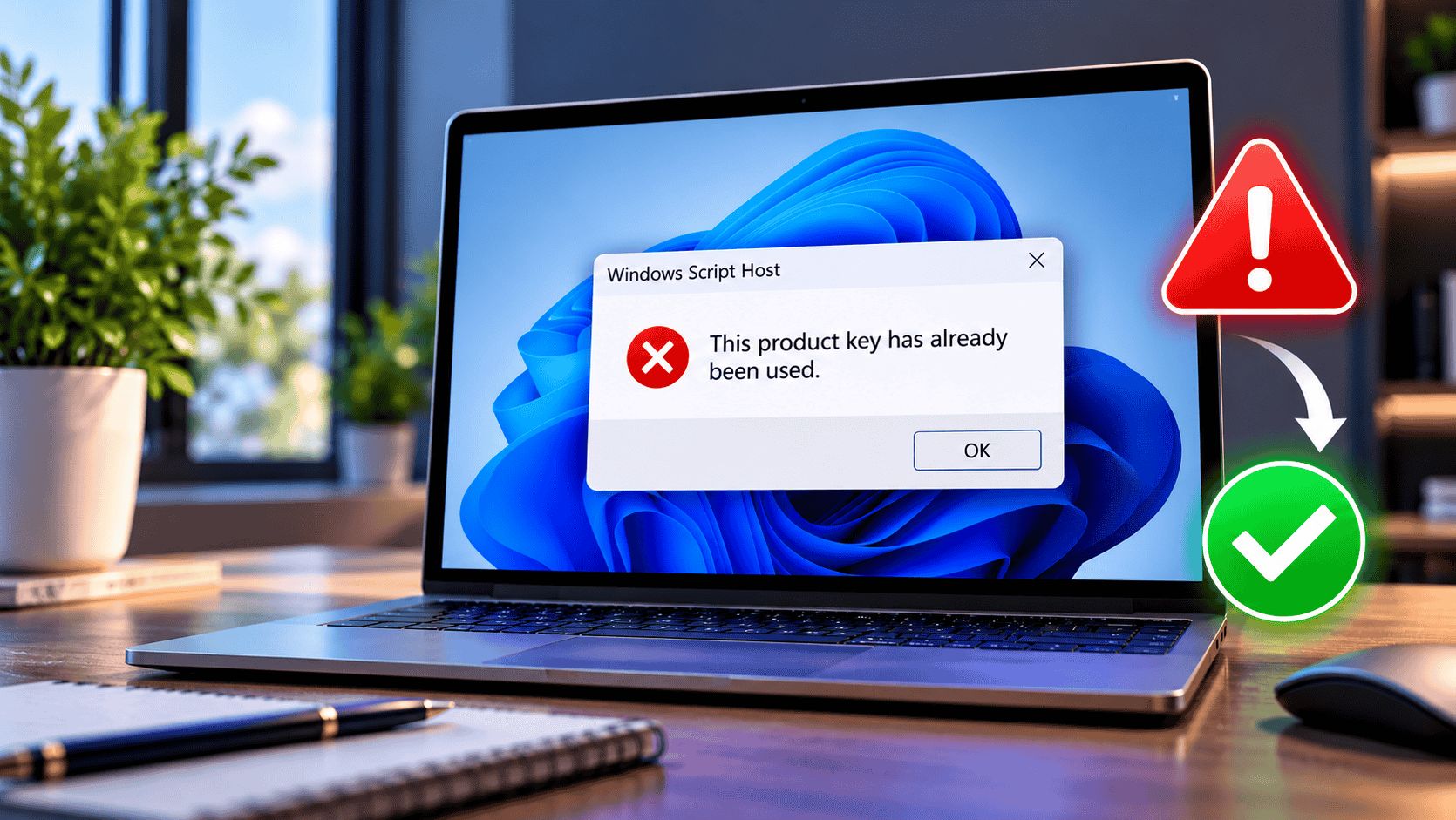
“This product key has already been used” means Microsoft’s servers have already recorded the key against a Microsoft account (Office) or a device (Windows, where it usually shows as error 0xC004C008). In most cases you don’t need the key again. For Office, sign in at account.microsoft.com/services with the account that first redeemed it and install from there. For Windows, check whether the PC is already activated, deactivate the key on the old PC if you moved it, use the activation troubleshooter after a hardware change, or activate by phone. If the key was new and never used by you, contact the seller for a replacement.
Few errors are as frustrating as typing in a key you just paid for and being told it’s already been used. The good news is that this message rarely means the key is worthless. It usually means the key has already done its job somewhere, and you need to find where, or prove you’re allowed to move it.
This guide explains exactly what the message means in Office and in Windows, the eight most common causes, and step-by-step fixes for each, including the deactivation commands and phone activation steps most guides leave out.
What “This Product Key Has Already Been Used” Actually Means
Every Microsoft retail key has a limited number of activations. When a key is activated or redeemed, Microsoft’s servers record it. The next time someone tries to use it, the server checks that record and refuses if the key has reached its limit or belongs to someone else.
What gets recorded depends on the product:
- Office 2024, 2021, 2019 and Microsoft 365 (home): the key is redeemed once at Office.com/setup and permanently linked to a Microsoft account. After that, the key itself is no longer needed. You install and activate by signing in with that account. According to Microsoft’s support page, product keys are single-use and shouldn’t be shared.
- Windows 10 and 11: the key is activated against the device’s hardware. Windows then stores a digital licence for that hardware, so reinstalling on the same PC reactivates automatically without the key.
- Windows Server and volume (MAK) keys: each key has a fixed number of activations. Once they are used up, online activation stops working.
Related Error Codes and What Each One Means
The plain-English message appears on Office.com/setup. Inside Windows and Windows Server, the same problem appears as an error code. These are the ones you are most likely to see:
| Message or code | Where | What it means | First thing to try |
|---|---|---|---|
| “This product key has already been used” | Office.com/setup | Key already redeemed to a Microsoft account | Sign in with the account that redeemed it |
0xC004C008 | Windows, Windows Server | The activation server determined the key can’t be used (already active elsewhere) | Deactivate old PC, troubleshooter or phone |
0xC004C020 | Volume licensing (MAK) | The Multiple Activation Key has exceeded its limit | Ask your licensing admin for more activations |
0xC004C003 | Windows | The activation server determined the key is blocked | Contact the seller for a replacement |
0xC004C001 | Windows | The activation server determined the key is invalid | Check for typos and the right product |
0xC004F050 | Windows | The key is invalid for this edition | Check edition (Home vs Pro) and retype the key |
| “Maximum number of Office products” | Office.com/setup | The account holds 25 one-time Office purchases | Redeem with another Microsoft account |
8 Common Causes of the Error
Why Your Licence Type Matters
Whether you can move a key, and how, depends on how it was licensed. Check this before trying any fix.
| Licence | Transferable? | How to reactivate |
|---|---|---|
| Windows retail key | Yes, one PC at a time | Remove from old PC, activate on new one; phone activation if online fails |
| Windows OEM key (pre-installed or system builder) | No | Tied to the first PC; a motherboard swap may need phone activation |
| Windows digital licence linked to a Microsoft account | After hardware change | Activation troubleshooter › “I changed hardware on this device recently” |
| Office 2024 / 2021 / 2019 redeemed at Office.com/setup | Yes, one PC at a time | Uninstall from old PC, sign in and install on the new one |
| Office key activated inside the app (no account) | With deactivation | Remove the key with OSPP, then activate online or by phone |
| Volume MAK key (Windows, Office, Server) | Within the count | Your organisation’s licensing admin manages activations |
Not sure which you have? Open Command Prompt and run slmgr /dli. The description line shows RETAIL, OEM_DM (OEM) or VOLUME_MAK.
How to Fix “This Product Key Has Already Been Used”: 8 Fixes
Work through these in order. The first three solve most cases in under five minutes.
Fix 1: Check whether you’re already activated
Before anything else, check whether you even need the key. After a reset or reinstall, Windows and Office often reactivate on their own.
- Windows 11: Settings › System › Activation. If it says Windows is activated with a digital licence, you’re done.
- Windows 10: Settings › Update & Security › Activation.
- Office: open Word, go to File › Account. If it shows Product Activated, no key is needed.
If Windows isn’t activated yet, connect to the internet and restart. Activation can take a few minutes after a fresh install.
Fix 2: Install Office from your Microsoft account instead of the key
If Office.com/setup says the key has already been used, the key is already redeemed. You don’t enter it again; you install from your account.
- Go to account.microsoft.com/services and sign in.
- Find your Office product under Services & subscriptions.
- Select Install and run the installer.
- Open any Office app and sign in with the same account. Office activates automatically.
This is Microsoft’s own recommended fix, according to its guide to product key errors on Office.com/setup.
Fix 3: Find which Microsoft account owns the key
If Office isn’t listed in your account, the key was probably redeemed with a different email.
- Search your inboxes for the original setup or welcome email from Microsoft. It shows which address was used.
- Sign in at account.microsoft.com/services with every email you own: personal, work, school, old Hotmail or Outlook addresses.
- Ask whoever set up the PC (a family member, IT person or the shop) which account they used.
- For Microsoft 365 Family, don’t share the key. The owner should invite you from their account so you install under your own login.
Fix 4: Deactivate the key on the old PC
If you moved Windows or Office to a new computer, remove the key from the old one first. On the old PC, open Command Prompt as administrator.
For Windows, uninstall the key and clear it from the registry:
slmgr /upk
slmgr /cpky
For Office activated with a key (not through an account), find the last five characters of the key, then remove it. Use the path that matches your installation:
cd "C:\Program Files\Microsoft Office\Office16"
cscript ospp.vbs /dstatus
cscript ospp.vbs /unpkey:XXXXX
Replace XXXXX with the last five characters shown by /dstatus. Office 2016, 2019, 2021 and 2024 all use the Office16 folder. On some systems it is under Program Files (x86).
For Office redeemed to an account: uninstall Office from the old PC (Settings › Apps), then install on the new PC from account.microsoft.com/services.
Fix 5: Run the activation troubleshooter after a hardware change
Replacing the motherboard (and sometimes the processor) makes Windows see a new device. If your digital licence was linked to a Microsoft account before the change, you can move it yourself:
- Sign in to Windows with an administrator account.
- Go to Settings › System › Activation › Troubleshoot. The button only appears when Windows isn’t activated.
- Select I changed hardware on this device recently, then Next.
- Sign in with the Microsoft account linked to the licence.
- Tick This is the device I’m using right now and select Activate.
Microsoft notes that the edition must stay the same, so a Pro licence only reactivates Pro. See Microsoft’s guide to reactivating Windows after a hardware change for details.
Fix 6: Activate by phone
Phone activation is the reliable fallback when online activation refuses a key you’re entitled to use, for example after a PC move or too many reinstalls. It’s automated and free. See how phone activation works below for the full steps.
Fix 7: Contact the seller
If the key was brand new, you have never used it, and none of the fixes above apply, the key was most likely used before it reached you. That is a seller problem, not yours. Send the seller:
- your order number and the product name,
- a screenshot of the full error message or code,
- the date you first tried to activate.
If you bought from Noxkeys, contact our support team with those details. Every order is covered by our refund policy and lifetime support, and we will replace the key or refund you if it can’t be activated.
Fix 8: Buy a new licence when the key can’t be moved
An OEM key that came with an old PC, or a key that belongs to someone else, can’t legitimately be moved to your new computer. In that case you need a new licence: a retail Windows 11 Pro or Windows 11 Home key for Windows, or Office 2024 Professional Plus for Office.
Moving a Windows or Office Licence to a New PC
This is the most common way people trigger the error. Follow this order and you’ll avoid it entirely.
slmgr /dli. Only retail keys and account-linked Office can be moved.slmgr /upk for Windows; uninstall Office or run ospp.vbs /unpkey.slui 4 for Windows, or choose phone activation in Office.How Phone Activation Works
Phone activation verifies your key by exchanging codes with Microsoft’s automated system. It often succeeds when online activation reports that a key is already used, because it allows for legitimate moves and reinstalls.
How to Prevent the Error Next Time
- Link Windows to your Microsoft account. In Settings › Accounts, sign in with a Microsoft account. Your digital licence is then saved to it, so the hardware-change troubleshooter works later.
- Redeem Office with an email you’ll keep. Avoid work or school addresses for personal licences.
- Keep your order email and key. Store them in a password manager with the Microsoft account used.
- Deactivate before you sell or retire a PC. Run
slmgr /upkand uninstall Office first. - Don’t re-enter the key after a reinstall. Skip the key prompt during setup and let the digital licence reactivate.
- Buy from a seller that supports you. Choose a store that delivers clear activation instructions and replaces keys that don’t work.
Licensing a server rather than a PC? Our guide to Windows Server 2025 Standard vs Datacenter explains how server licensing and activation differ.
Need a fresh licence? Every Noxkeys order is delivered instantly by email with download and activation instructions.

Also available: Windows 10 Pro and Office 2021 Professional Plus. Questions about delivery or activation? See our FAQ or browse more guides on the Noxkeys blog.
Frequently Asked Questions
Why does it say my product key has already been used when I just bought it?
Either you or someone else already redeemed or activated it. If you set up Office before, sign in at account.microsoft.com/services to install it. If the key is genuinely new and you never used it, contact the seller with your order number and a screenshot of the error for a replacement.
Can I use the same product key twice?
On the same PC, yes: reinstalling usually reactivates automatically without the key. On a second PC at the same time, no. A retail licence can be active on one computer at a time, so you need to remove it from the old PC first.
What does error 0xC004C008 mean?
It means the activation server determined that the product key can’t be used, usually because it is already activated on another device or has used up its online activations. Deactivate it on the old PC, use the activation troubleshooter, or activate by phone.
How do I find which Microsoft account my Office key is linked to?
Search your email for Microsoft’s setup or welcome message, then sign in at account.microsoft.com/services with each email address you own until the product appears under Services & subscriptions.
Can I transfer Office 2021 or 2024 to a new computer?
Yes, for retail one-time purchases. Uninstall Office from the old PC, then sign in on the new PC with the same Microsoft account and install from account.microsoft.com/services. If the key was activated without an account, remove it with ospp.vbs and activate by phone if needed.
Will reinstalling Windows use up my product key?
No. Reinstalling on the same hardware reactivates automatically with the digital licence. Skip the product key prompt during setup and connect to the internet.
Does phone activation still work for Windows 11 and Office 2024?
Yes. Run slui 4 in Windows, or choose activation by telephone in Office, and follow the automated prompts with your Installation ID.
Can an OEM key be moved to another PC?
No. OEM licences are tied to the first computer they are installed on. For a new PC, you need a new retail licence.